Access the
COMS App
Find your mobile app credentials
Your mobile app credentials are different to your COMS account login details.
1. Mobile app credentials are sent to all participants via the email address used to register for the conference, find the email by searching;
Email subject line: Mobile app for ECC2026
Date sent: Friday 20
th
November, 2026
2. If you are unable to locate your mobile app credentials in your email, visit:
ECC2026 website
and follow the next steps;
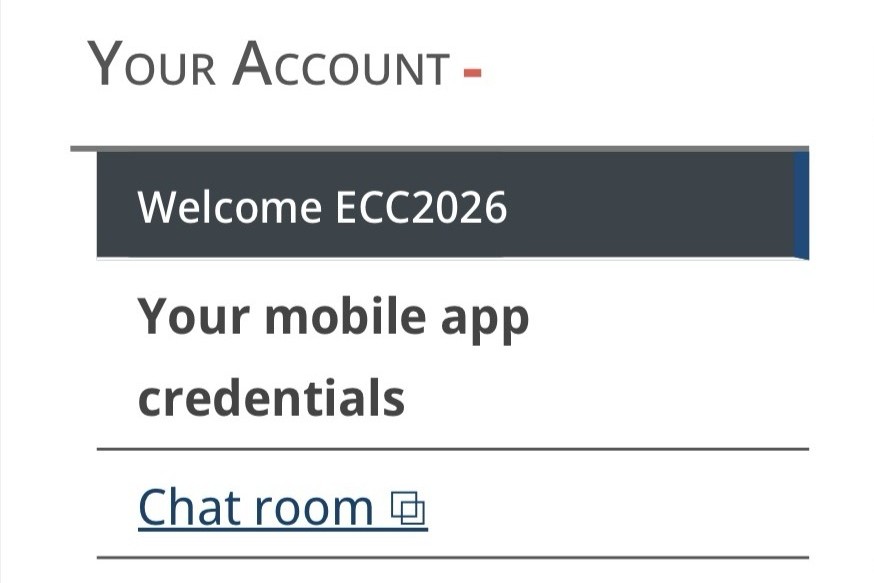
Sign in to your registration account using the credentials you used when registering for the conference
Open the menu in the top-left corner
Select “Your mobile app credentials”
Scroll to the bottom of the page to locate your mobile app credentials. Use this email address and password to sign in to the COMS mobile app
Google Play Store Download
Download the app on
Google Play Store
Apple App Store download
Download the app on
Apple App Store
Sign in
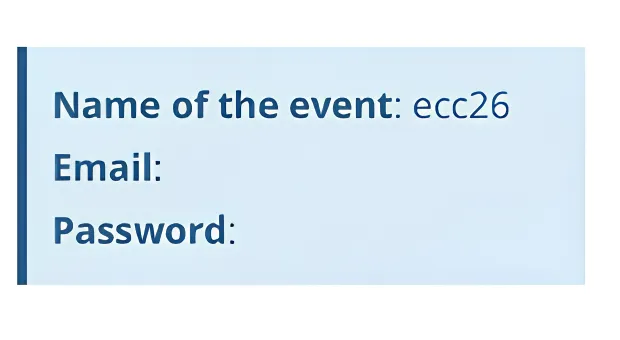
Enter
ecc26
in the event name tab.
Enter the email address and password provided in your app invitation email or on the
COMS webpage
.
Download "How to take your own HPV test"
Available in your language.
Arabic
Amharic
Dinka
Hindi
Karen
Punjabi
Somali
Burmese
Urdu
Farsi
Filipino
Greek
Italian
Khmer
Oromo
Sinhala
Tamil
Thai
Tigrinya
Vietnamese